

Thank you for joining Lend A Hand and thank you for wanting to make a difference in your community. On this page, we will show you how to make yourself visible to people looking for assistance.

Step 1) look for the icon on your smartphone and log on with the credentials you’ve provided. Remember there is always the ‘forgot’ password function if need be.

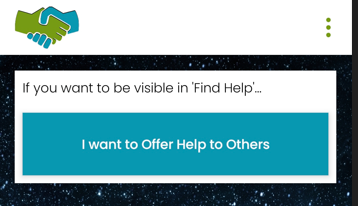
Step 2) Once you’ve logged in, click on I want to Offer Help to Others.
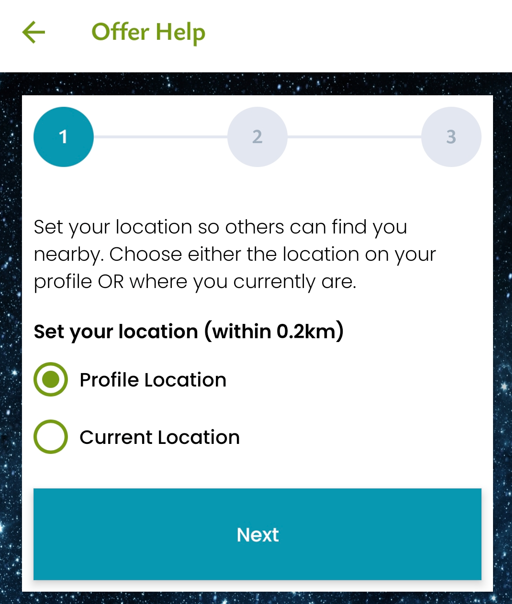
Step 3) Here you can select your location for people to find you. You can either use the profile location you’ve already set, or you can select Current Location if you’re on the move.
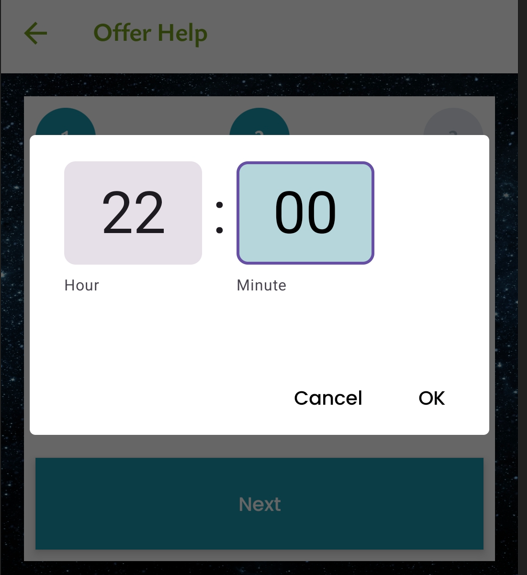
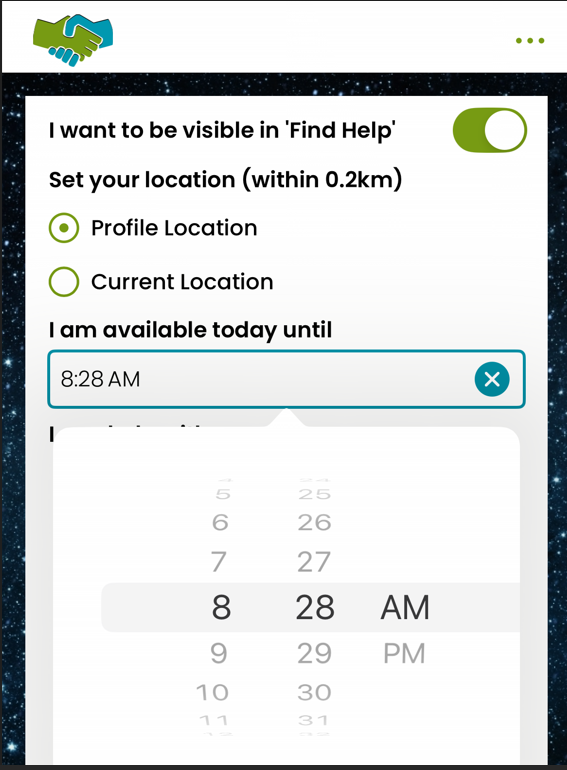
Step 4) Select the time you want to be available to. This might be a little different on either android or iOS. Once you’re done, click Next.
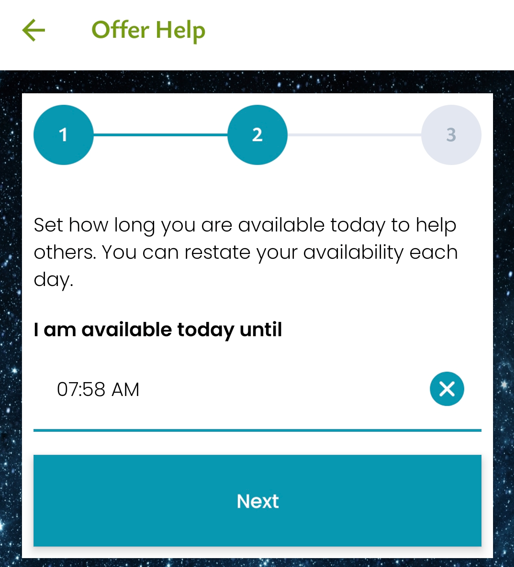
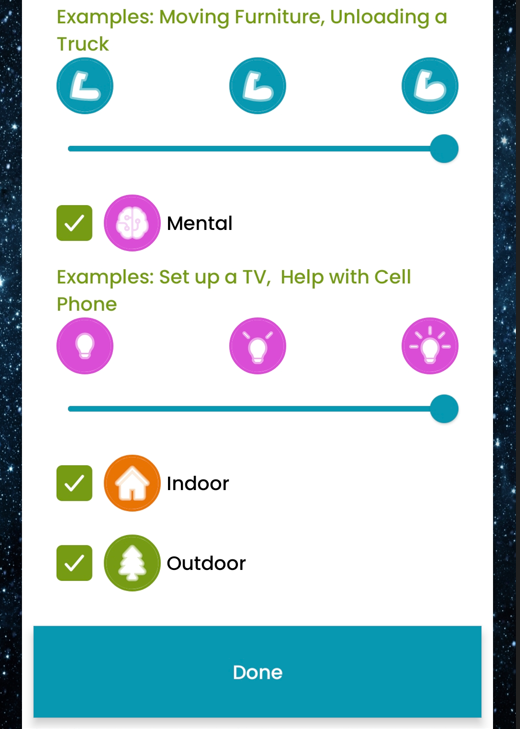
Step 5) Here you can select what type of help you want to offer. Physical, Metal, indoor and outdoor. Once you’ve done that, click done. If you need to change that, you can always go back and select Update. The system will tell you that your availability has been updated.
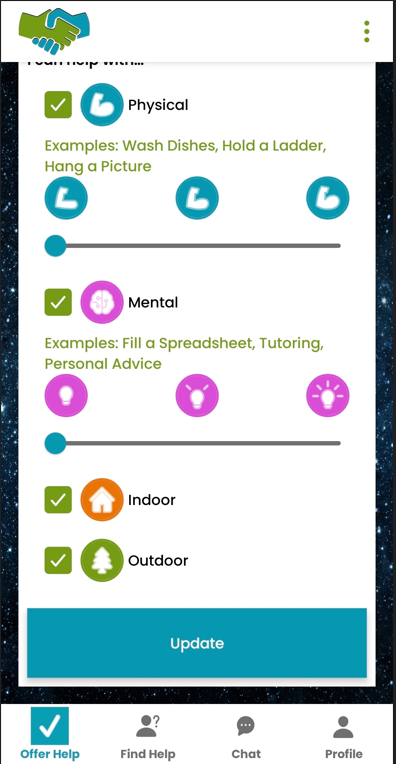
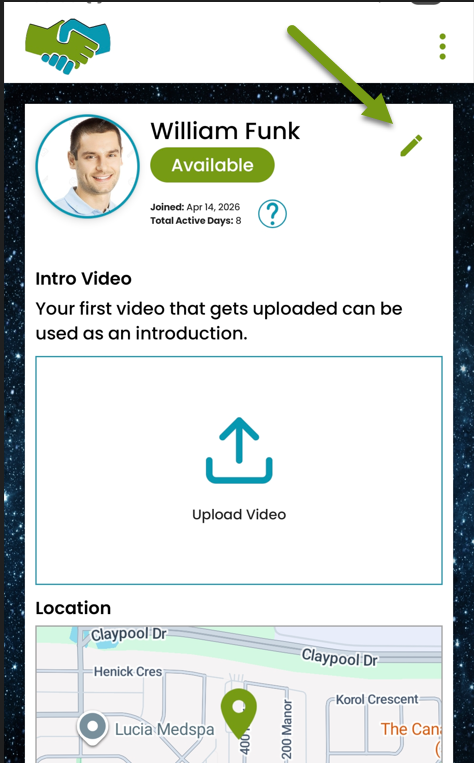
Step 6) Here you can click on the update pen and make the changes you need.
You can include an introductory video and set your Profile location.
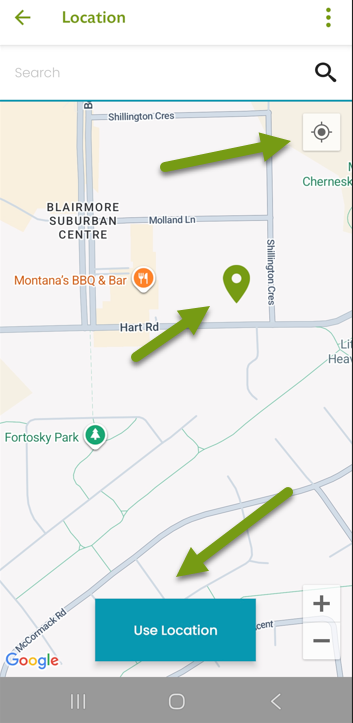
You can set your profile location by clicking the little icon on the top left. Or, you can manually set your location by touching the screen. Once you’re done, click Use Location.
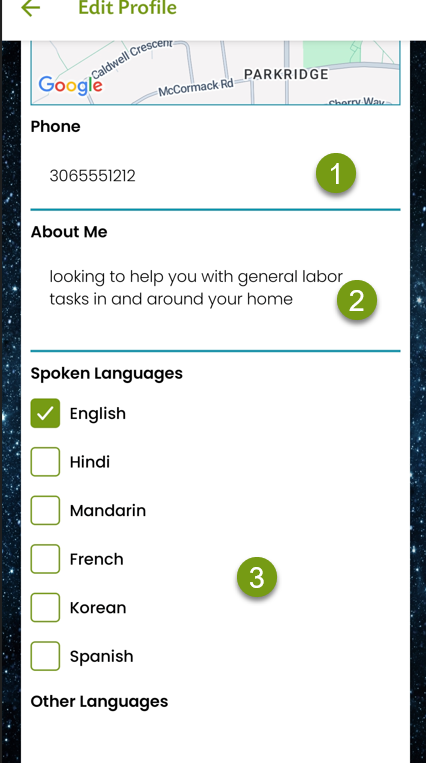
Step 7) (1) If you want, you can add your phone number so people can call or text you. (2) Add information about you, in the About me section. This is a good chance for an introduction. (3) Add what languages you speak. We live in a diverse country, and some people will feel more comfortable conversing with someone in their own language.
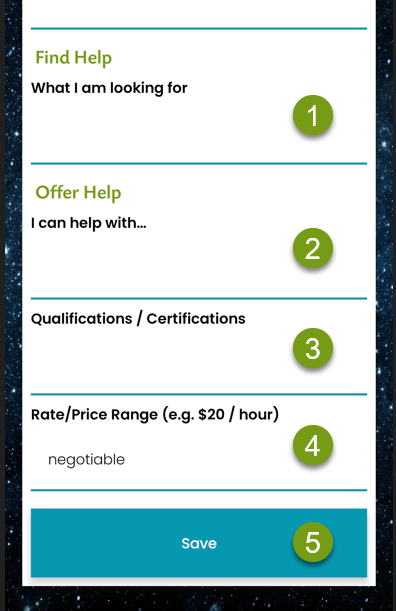
Step 8) (1) If you’re looking for help, here is where you can tell what you need. Please try to give as many details as possible. For example, if you need help in your yard, detail what help you need, and let them know if you can supply photos.
(2) If you’re willing to help people in your community, here is where you can detail what kind of tasks you are willing to assist with. Please give as many details as you need to. (3) You can also list your skills or any certification you have.
(4) Add what price you want to work at per hour, or if your price range varies depending upon task, you can always say your price is negotiable.
(5) Once that’s all done, click on Save.
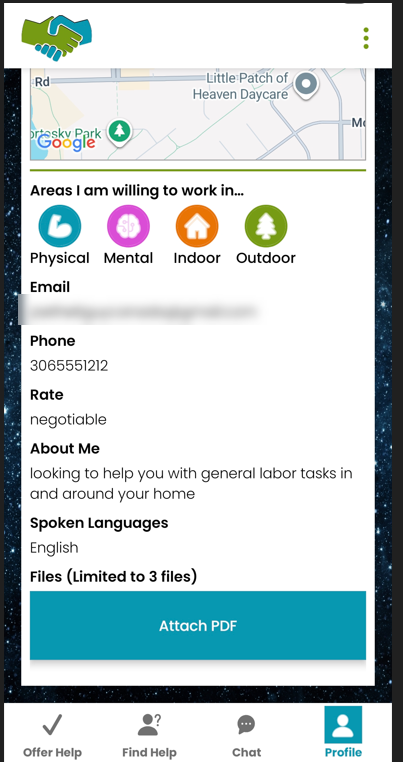
If you like, you can add up to 3 files in PDF format of your certificates or qualifications. If everything is done correctly, you will be seen online like this.

Thank you for joining Lend A Hand and we hope we can all make our communities better.